What connectivity actually buys you
A connected alarm does not detect better than a good conventional alarm. It tells somebody who is not in the building that something is happening — and that is a genuinely different capability with its own rules.
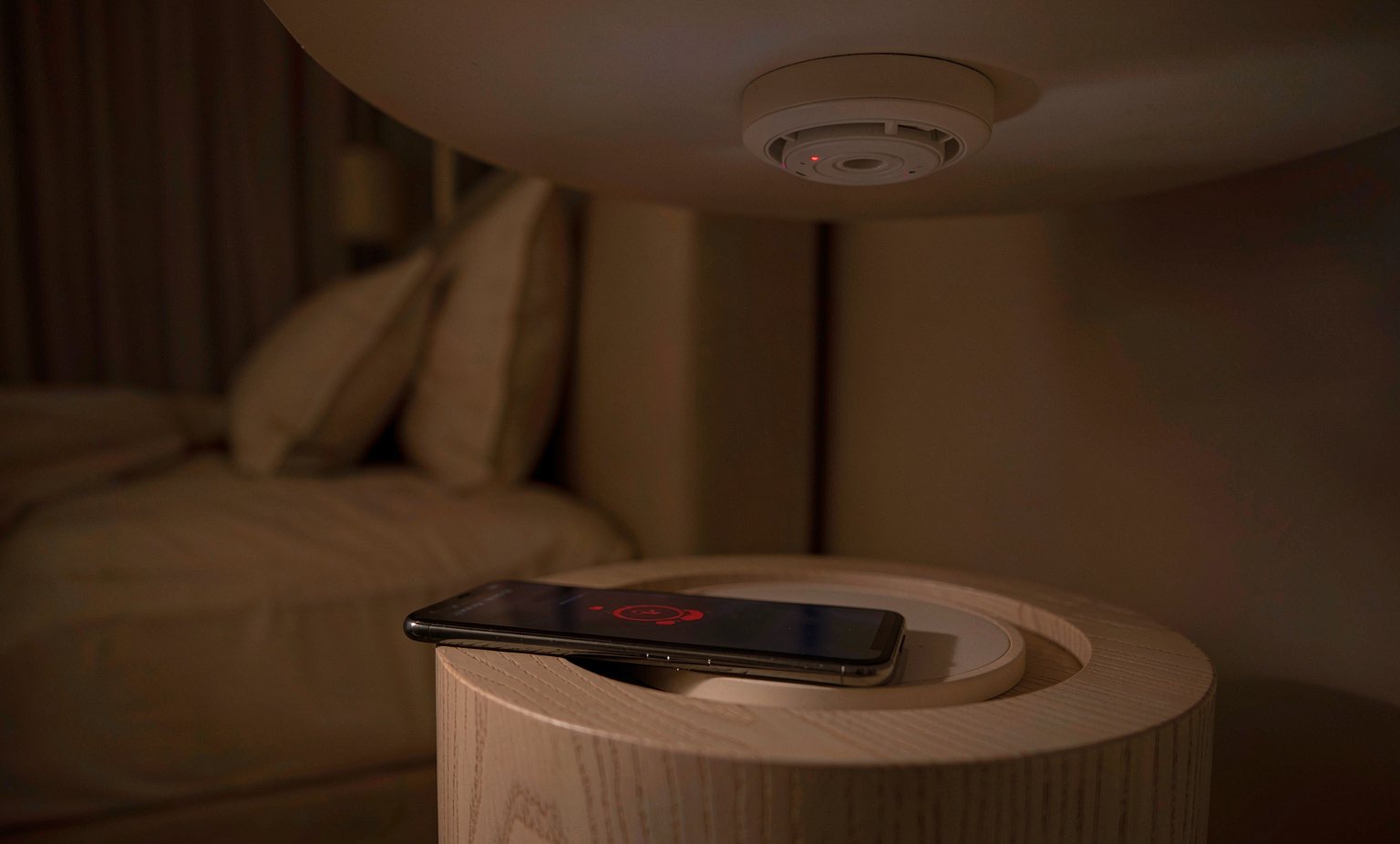
Three capabilities, in order of real value
1. Wireless interlink
The highest-value feature by a wide margin. Every device sounds together without opening a single ceiling, which makes proper coverage affordable in existing buildings.
2. Remote notification
A push message to a phone when an alarm activates, useful for landlords, carers, holiday lets and anyone responsible for a building they are not standing in.
3. Status and history
Event logs, low-battery warnings, device health and end-of-life dates reported to an app — the maintenance record that households never keep, kept automatically.
Rules that must not be broken
- Never rely on a phone notification as the primary warning. The people in the building must be woken by a local sounder of at least 85 dB(A) at three metres, whether or not there is a network.
- Never let the internet become a dependency for detection. A certified connected alarm must detect, decide and sound locally; connectivity is an additional layer, not the mechanism.
- Never accept a device whose cloud service is required for pairing, for testing or for the sounder to function. When the service is retired, the hardware must still be a smoke alarm.
- Never use a consumer smart device as the sole protection on a commercial risk. Insurance and code requirements in managed buildings are met by certified systems, not by app-enabled alarms.
Radio technologies compared
| Technology | Typical use | Strengths | Limitations |
|---|---|---|---|
| Sub-GHz (868 / 915 MHz) | Wireless interlink between alarms and gateways | Excellent range and wall penetration; low power; long battery life | Region-specific frequencies and duty-cycle rules |
| 2.4 GHz (BLE, Zigbee, Thread, Wi-Fi) | App connection, home-hub integration, pairing | Ubiquitous in phones and hubs; rich ecosystems | Poorer penetration through reinforced concrete and metal; crowded spectrum |
| Proprietary mesh | Large multi-unit buildings, hotels and HMOs | Long range with relaying; deterministic behaviour under manufacturer control | Vendor-specific; plan the network, do not improvise it |
| Cellular (LTE-M, NB-IoT) | Sites with no local network: construction, remote plant, vacant property | No gateway needed; independent of the customer's network | Subscription cost and coverage dependency |
| Wired interlink | New build and rewired property | No radio, no pairing, no battery dependency for the link | Requires cable — the reason wireless exists |
Wireless interlink works well and fails predictably. Reinforced concrete, metal-clad partitions, lift shafts, metal racking, foil-backed insulation and even large mirrors attenuate radio. Test from the furthest room with the doors closed, and check the manufacturer's maximum number of linked devices — a mesh that is too large becomes slow and less reliable.
Where connected detection earns its place
| Situation | Why connectivity helps |
|---|---|
| Rented and managed property | Device health, low-battery and end-of-life alerts reach the manager instead of depending on the tenant |
| Holiday lets and second homes | Vacant for weeks; a remote notification turns a delayed discovery into an immediate action |
| Care of a relative living alone | A notification to a family member adds a response layer on top of the local alarm — with consent, and never as the only warning |
| Multi-unit residential blocks | Wireless or hybrid linking avoids disturbing decorative ceilings and heritage fabric |
| Temporary and construction sites | Cellular or mesh devices can be deployed and removed without infrastructure |
| Facilities with an existing panel | Interface modules bring connected devices into the cause-and-effect matrix rather than running in parallel to it |
Questions to ask a supplier before buying connected
- What happens when the network is down?The alarm must still detect and sound locally, and must not log a fault that disables anything.
- What happens when the cloud service ends?Ask for a written statement of the local fallback behaviour and how long the service is supported.
- How is the device certified?A connected alarm needs its safety certification — EN 14604, UL 217 — and radio compliance under RED, FCC or equivalent. Both, not either.
- How many devices can be linked, and over what distance?Get the number and the realistic in-building range, not the open-air figure.
- How does firmware update, and can it break the alarm?Updates must be verified, signed and fail-safe. An alarm must never be left in a non-functional state by an interrupted update.
- What data leaves the building?Event data and device identifiers. Ask where it is stored, for how long, and whether it can be exported or deleted — a data-protection question as much as a technical one.
Building a connected product?
AlertField develops radio interlink, gateway firmware and notification logic alongside the sensing hardware. Talk to the engineering team about certification scope early.